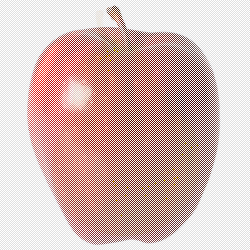
On the Stackoverflow forum discuss, how to make PNG, which will look different in different browsers. for instance, the image above looks like a pear in Chrome / Firefox, but "turns" into an apple in IE browser.
The recipe is simple.. It's all about gamma correction, which counts in some browsers and doesn't count in other browsers. To exploit this difference, we take two pictures: apple and pear. Pear placed in bright pixels PNG.
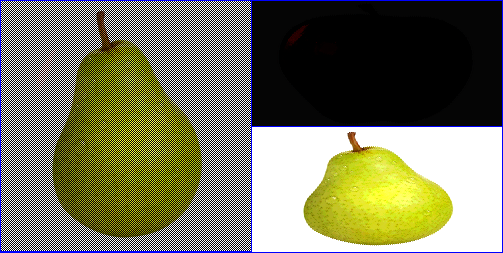
Apple - in dark pixels PNG. You need to adjust the brightness so, that when darkened, the pear becomes clearly visible, and the apple is completely darkened. And vice versa, at maximum lightening, the pear practically disappears, and the apple is clearly visible.

We combine two images, so light and dark pixels are alternated with a checkerboard - and you're done. Now, if the browser includes gamma correction, then a pear appears on the screen. And if you just save the picture to the desktop and open in the editor, you can see the apple.
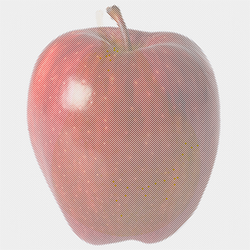
P.S. One more example: gamma-corrected browsers display the GNU logo, and in old IE or Opera - a color penguin.